> ## Documentation Index
> Fetch the complete documentation index at: https://docs.martan.app/llms.txt
> Use this file to discover all available pages before exploring further.
# Uso com Storefront v1 (E-Com.Plus)
> Configuração dos widgets no Storefront v1 da E-Com Plus
[Demo](https://demo.martan.app)
### Configurar Widgets
Integrado ao storefront disponibilizamos três tipos de widgets; Rating, Reviews e Perguntas e Responstas.
Para usá-lo basta procurar o widget do Martan na coleção de Widget no seu CMS.
Após habilitar o Widget basta configurar quais widgets quer exibir e outras opções.
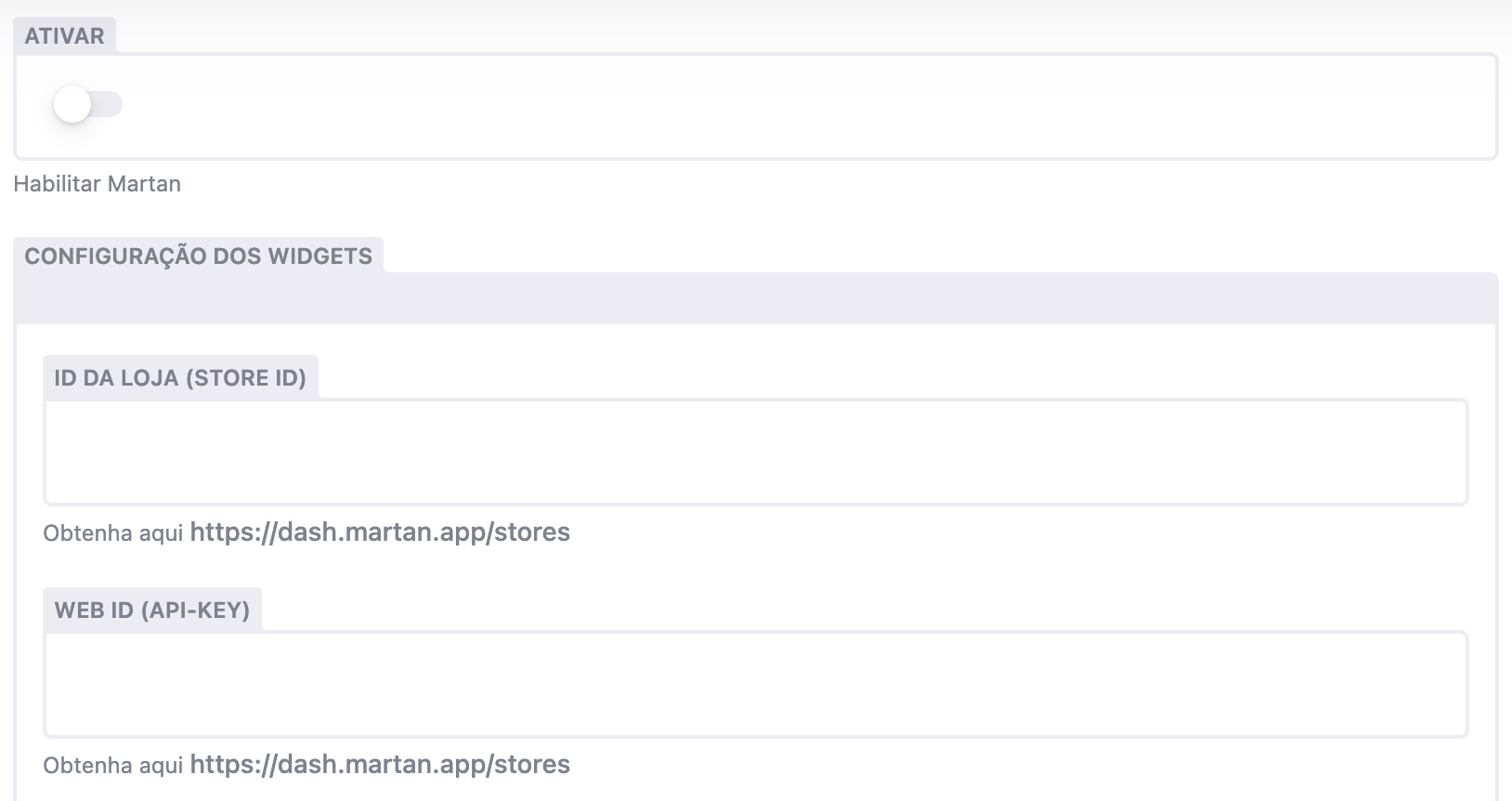 ## Configurações
Identificador da Loja [Ver](https://dash.martan.app/stores).
Web Id [Ver](https://dash.martan.app/stores).
Opção para habilitar exibição dos widgets no storefront.
Feita as configurações iniciais podemos configurar quais widgets iremos usar.
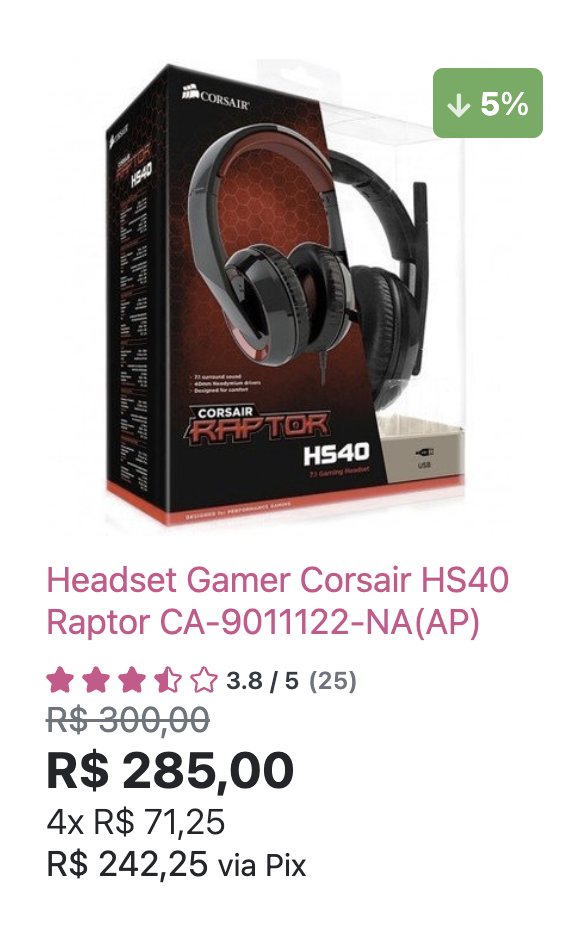
### Widget Rating (Card Produtos)
## Configurações
Identificador da Loja [Ver](https://dash.martan.app/stores).
Web Id [Ver](https://dash.martan.app/stores).
Opção para habilitar exibição dos widgets no storefront.
Feita as configurações iniciais podemos configurar quais widgets iremos usar.
### Widget Rating (Card Produtos)
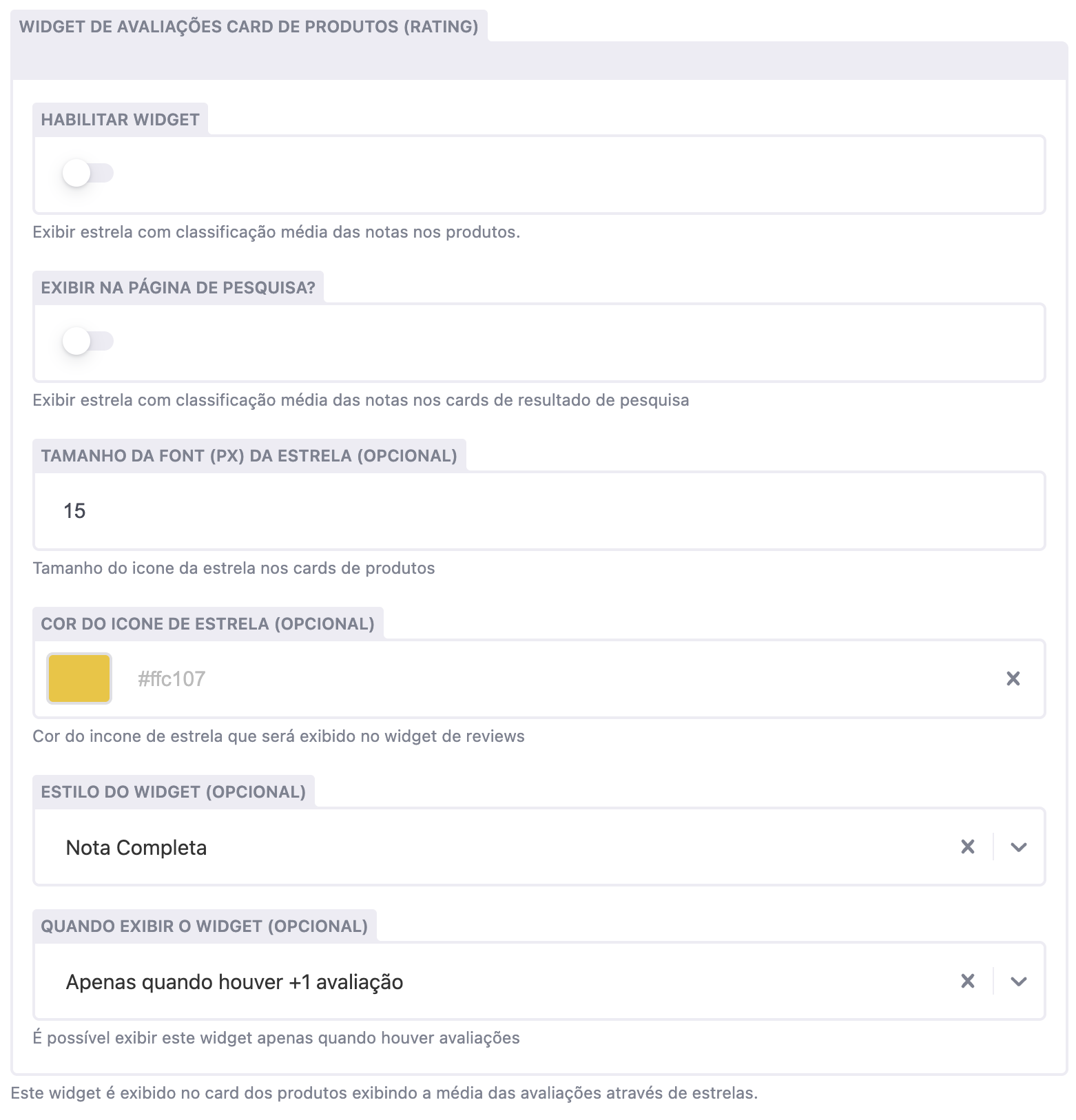
 ## Opções
Opção para habilitar exibição do widget no storefront.
Opção para exibir widget no card de produtos na página de pesquisa
Tamanho do icone das estrelas
Cor do icone
Estilo do Widget: Pode ser Completo ou Compacto.
Quando exibir o widget: Exibir sempre ou apenas quando o produto tiver mais de 1 avaliação.
## Opções
Opção para habilitar exibição do widget no storefront.
Opção para exibir widget no card de produtos na página de pesquisa
Tamanho do icone das estrelas
Cor do icone
Estilo do Widget: Pode ser Completo ou Compacto.
Quando exibir o widget: Exibir sempre ou apenas quando o produto tiver mais de 1 avaliação.
 ### Widget Reviews
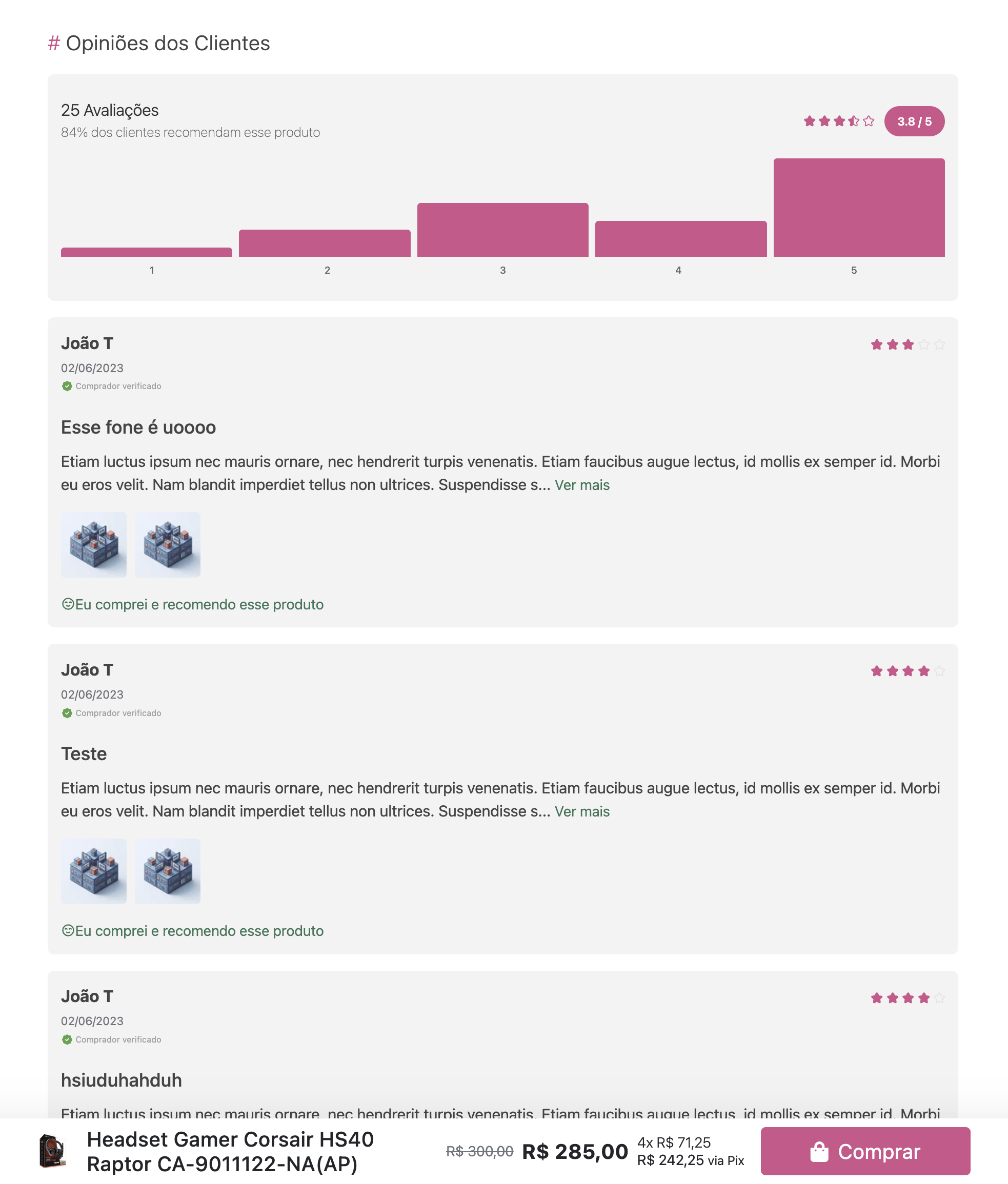 ## Opções
Opção para habilitar exibição do widget no storefront.
Título do Widget (exibido na página de produtos)
Cor do icone
Opções: Padrão, Histogram, Compacto, Centralizado, Resumo
Opções: Grid ou Lista
### Widget Perguntas e Respostas
## Opções
Opção para habilitar exibição do widget no storefront.
Título do Widget (exibido na página de produtos)
Cor do icone
Opções: Padrão, Histogram, Compacto, Centralizado, Resumo
Opções: Grid ou Lista
### Widget Perguntas e Respostas
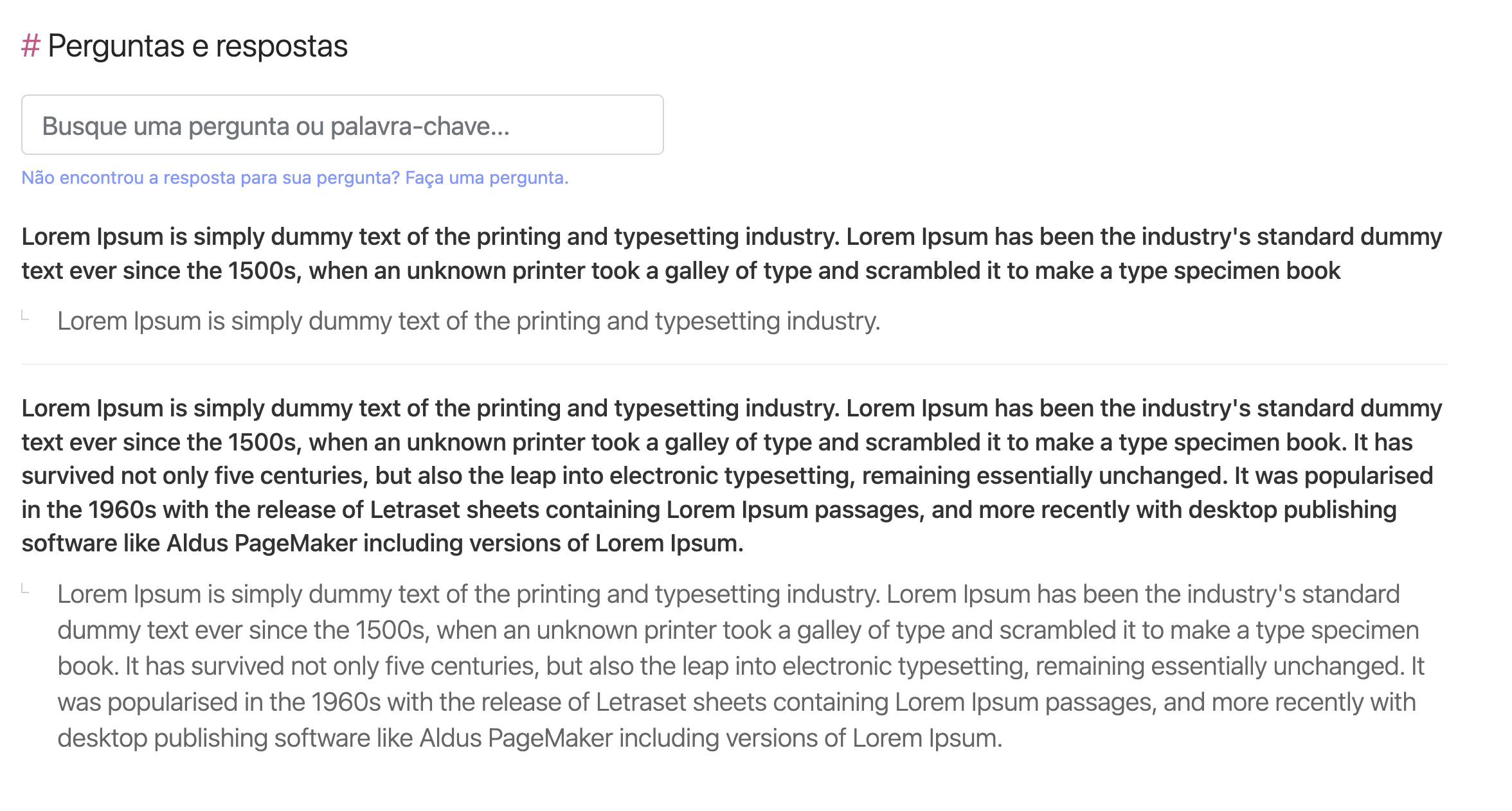 ## Opções
Opção para habilitar exibição do widget no storefront.
Título do Widget (exibido na página de produtos)
Habilitar novas perguntas
## Opções
Opção para habilitar exibição do widget no storefront.
Título do Widget (exibido na página de produtos)
Habilitar novas perguntas